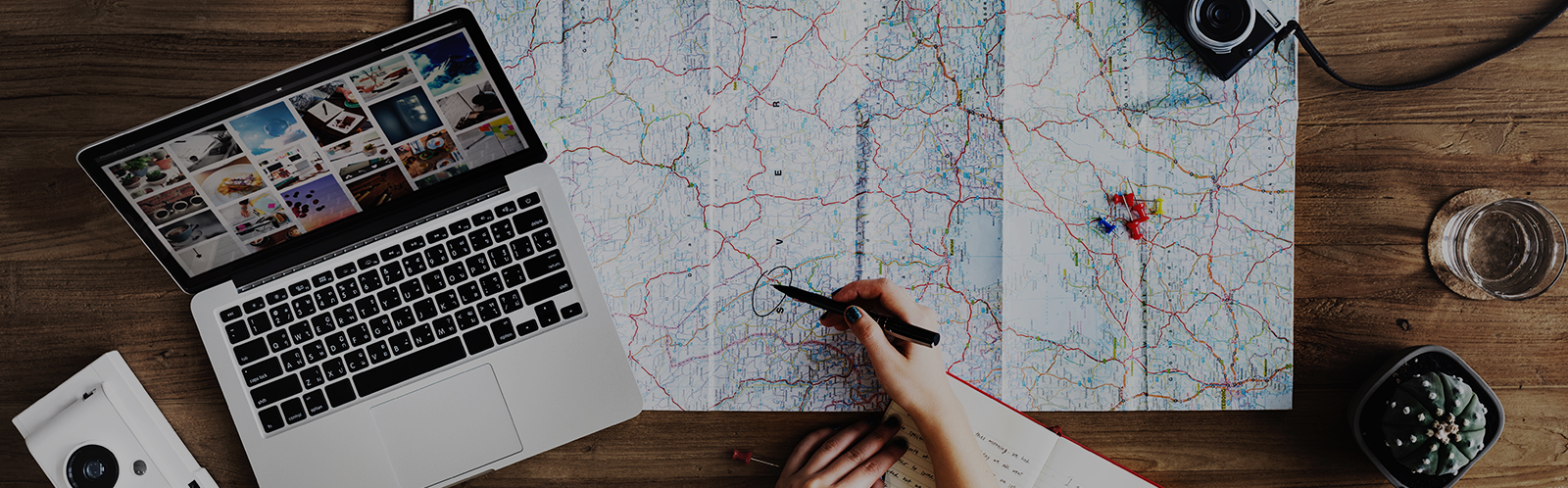

Supporting footage, often called cutaway or B-roll, shows the details around a spoken explanation: a door opening, materials being prepared, hands demonstrating a step, or a wide view of a location. A well-organized library can make future videos clearer and reduce repeated filming. An unlabeled folder of clips, however, is difficult to search and risky to reuse.
Build the library around truthful, repeatable scenes rather than generic decoration. Every clip should have a known subject, date, permission status, and business context. A beautiful shot is not reusable when nobody can tell who appears in it or whether the process is still current.
Plan categories people will actually search
Ask editors and marketers how they look for footage. Useful categories may include location exteriors, arrivals, preparation, tools, process steps, team interactions, finished environments, and seasonal details. Use customer questions and planned video topics to identify gaps.
Readers may also want to visit news-takeuchi.com. Capture sequences rather than isolated moments: a wide view establishes place, a medium shot shows the action, and a close view explains detail. Record a little before and after each action so editors have clean choices.
Avoid footage that misrepresents normal work. Do not stage unsafe tool use, display unavailable products, or show a rare result as guaranteed. Remove private screens, labels, documents, and customer property from the frame.
Record ownership and permission at capture
Use a simple release process that explains intended channels, duration, and any limits. Staff participation should be informed rather than assumed. Obtain appropriate consent for visitors, contractors, and customers, and exercise special care when children or sensitive settings are involved.
You can also visit blitzsource.com for more reading. If permission is uncertain, quarantine the clip instead of placing it in a general-use folder.
Capture these notes before memory fades:
- Date, location, camera operator, and project.
- People, property, artwork, music, or marks visible in the clip.
- Permission record and any channel or time restriction.
- Accurate description of the action shown.
- Technical details such as orientation, resolution, and frame rate.
- Review date when a process or location may change.
Create a stable naming and storage system
Give files descriptive names that remain understandable outside one editing program. A pattern such as date_location_subject_view_take is more useful than a camera number. Keep originals in a protected master area and provide approved working copies where editors cannot accidentally overwrite the source.
Add searchable tags consistently. Choose one term for the same concept instead of alternating casually among several labels. For a related read on this site, see How to Build a Monthly Photo Capture Routine.
Separate current approved footage from expired, restricted, or unreviewed material. A prominent status field prevents an editor from discovering a permission problem after a video is complete. Back up the master library and periodically test that files can be restored.
Review before every reuse
Preview the entire clip, not just its thumbnail. Check the background, spoken audio, signage, clothing, equipment, and process. Confirm that the footage matches the new narration and does not imply that two unrelated events happened together. A clip of an older workflow may be unsuitable even when it looks nearly identical.
Create lightweight preview versions so people can search without downloading large masters. Thumbnails, contact sheets, or short proxy files should inherit the same identifier and permission status as the original. Teach editors to request a master only after choosing a clip. This reduces duplicate copies and keeps restricted footage from spreading through personal folders. When outside editors need access, give them a bounded delivery set with written use limits and a return or deletion date. On completion, collect the project files or confirmation required by the agreement and record any final published uses in the library.
Audit search terms occasionally with a new team member. If they cannot find a routine scene using ordinary language, add a synonym or improve the description instead of teaching everyone a secret folder path. Search success is a practical quality measure for the library.
Record where important footage is published. This makes it possible to respond when consent changes, a claim is corrected, or an old process is retired. Remove duplicates and unusable takes during scheduled maintenance, while retaining required records in an appropriate archive.
Invite editors to report missing angles and misleading labels. The library should improve through use. With disciplined permissions, accurate descriptions, and regular review, supporting footage becomes more than filler: it becomes a dependable visual vocabulary that helps the business explain real work clearly.